VTuber studio for your desktop
Become your avatar.
VCraft turns your webcam into a 3D avatar that follows your face, hands and mood, live. Pick a look, set the scene and go on stream.
Automatic emotions
It reads your mood.
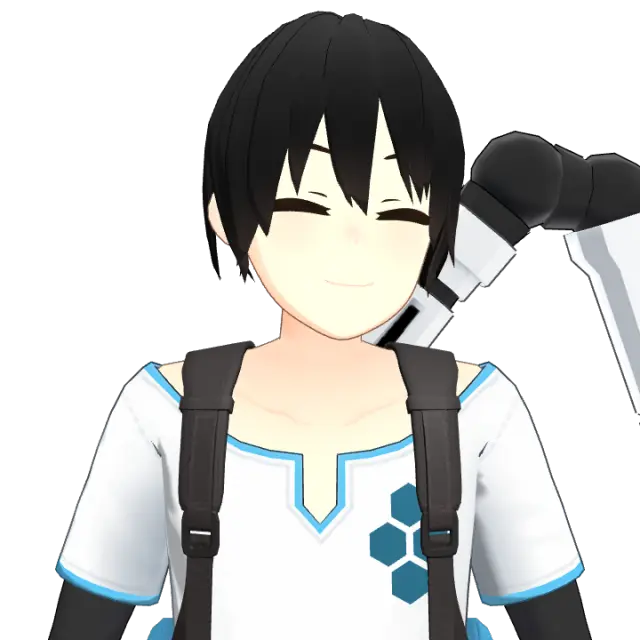
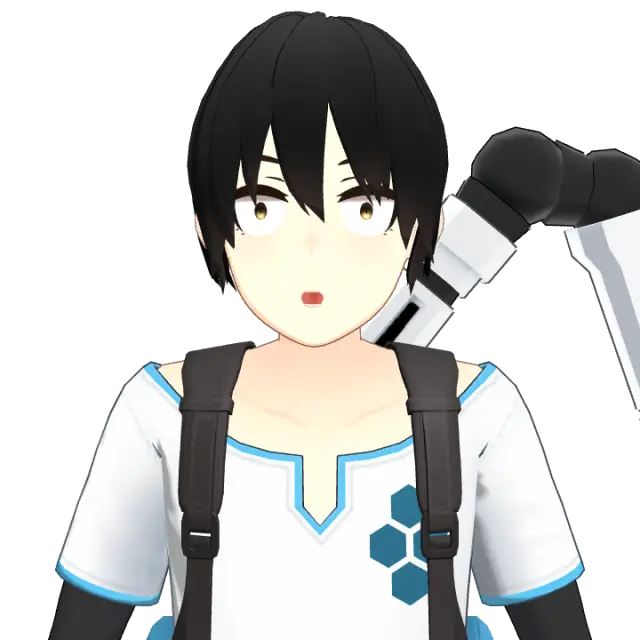
Laugh and your avatar laughs with you. VCraft picks up happy, surprised, angry, sad and relaxed from your face and voice, and switches presets smoothly on its own.
- Neutral
- Happy
- Surprised
- Angry
- Sad
- Relaxed

Features
Everything a VTuber needs. Nothing to rig.
-
Face tracking
52 facial blendshapes drive blinks, gaze, brows and lip sync. Perfect-sync avatars get every coefficient.
-
Hands and upper body
Head, torso, shoulders, arms and all ten fingers follow you, tuned for bust and face shots.
-
Calibrates itself
No setup screen. VCraft learns your neutral pose and expression range while you use it.
-
Avatar library
Hundreds of open-license avatars, anime and beyond, a click away. Or import your own VRM.
-
Scenes and rooms
Colors, gradients, your own images, 3D environments and streamer rooms built piece by piece.
-
Ready for OBS
Add one browser source and your avatar is on stream, with a transparent background or your scene.
-
Runs on your computer
Tracking happens on your machine, so it keeps working offline and your camera feed stays with you.
-
Speaks your language
English, Português and Español, following your system.

Streamer rooms
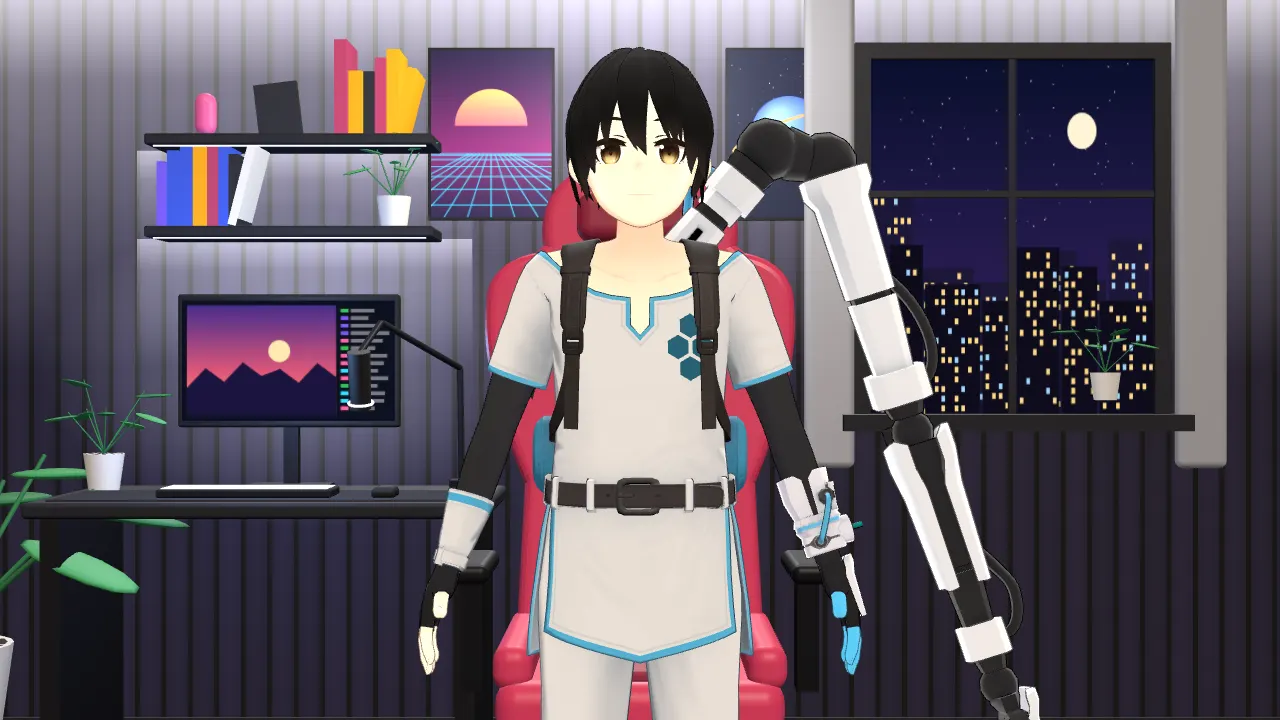
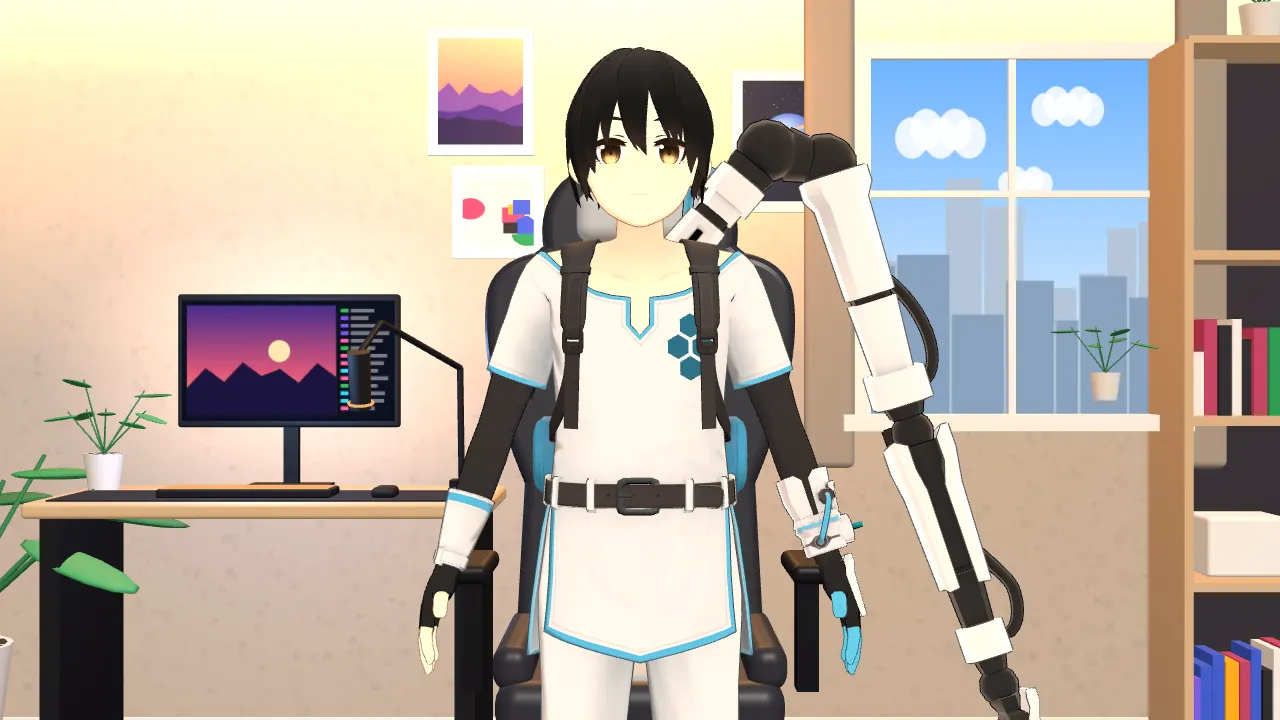
Build the room behind you.
Chair, desk with monitor and mic, shelves, plants, window and LEDs. Snap the pieces in, pick the colors, and your room shows up in OBS exactly like in the app.
- Neon
- Cozy
- Loft

Inside the app
Designed like a native Mac app. On every desktop.
-
Studio Your avatar, camera and scene in one window. Face or bust framing, quick expressions and the OBS link at hand. 
-
Avatars Your library and the Explore tab, with license details for every model. 
-
Scenes Colors, gradients, images, 3D environments and your rooms. 
-
Settings Output, camera and microphone, tracking, appearance and shortcuts. 
How it works
From download to live in four steps.
-
01
Download
Install VCraft for macOS, Windows or Linux.
-
02
Pick your avatar
Start with Seed-san, explore the library or import a VRM.
-
03
Turn on the camera
Look at the screen and move. Calibration happens on its own.
-
04
Go live
Copy the OBS link into a browser source and start streaming.
Download
Get VCraft.
Free to try while in early access. Native builds for each system.
-
Recommended for your computer
macOS
Apple Silicon (M1 or later)
Coming soon -
Recommended for your computer
macOS
Intel
Coming soon -
Recommended for your computer
Windows
Windows 10 and 11, 64-bit
Coming soon -
Recommended for your computer
Linux
AppImage, 64-bit
Coming soon
Builds aren't published yet. Each button turns on as soon as its file is out.
FAQ
Questions, answered.
What do I need to use VCraft?
A computer running macOS, Windows or Linux and any webcam your system recognizes. A microphone is optional and helps with lip sync and laughter.
Can I use my own avatar?
Yes. VCraft opens VRM files (0.x and 1.0). Avatars with perfect-sync expressions get the most detailed faces.
How do I put my avatar in OBS?
Copy the link from the Studio and add it as a browser source. The background can be transparent or the same scene you use in the app.
Does it work in video calls?
Today, through OBS Virtual Camera: put the avatar in OBS and choose the virtual camera in Zoom, Meet, Discord or Teams.
Is my camera video uploaded anywhere?
No. Tracking runs on your computer and VCraft never records your webcam. Only the avatar's pose goes to OBS on your own machine.
Which body parts are tracked?
Face, head, gaze, torso, shoulders, arms, hands and fingers. Legs stay in a natural rest pose, since streams frame from the chest up.